
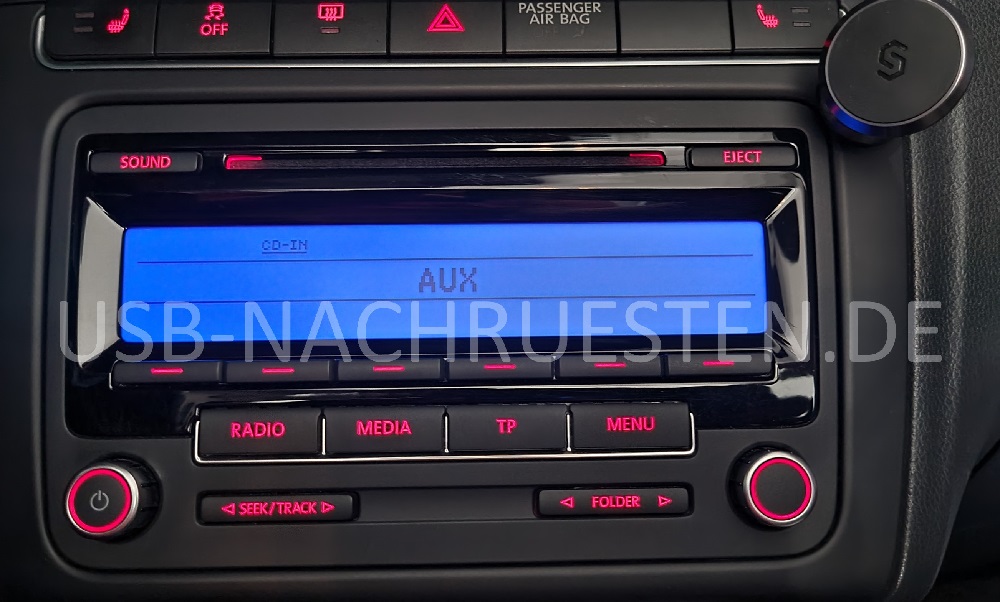
VW Radio RCD 310 until 2010 (blue display backlight)
Directly to the compatible products
Do you have a VW Volkswagen radio RCD 310 with blue Display backlight? With us you can retrofit Bluetooth adapters, hands-free kits and much more.
For this radio you can get retrofits with the following functions from us:
-
 Stream Music by Bluetooth
 -
 Streaming from streaming provider possible (Deezer, Spotify, Apple Music, Amazon Music, Tidal, and many more)
 -
 Bluetooth hands-free function / speakerphone
 -
 Listen to music from the USB stick
 -
 AUX Connection
 -
 Charging function for your Smartphone
 -
 Fast charging function for your Smartphone
 -
 Advanced Noise Reduction - exklusiv
 -
 Free Losses Audio Codec - FLAC
 -
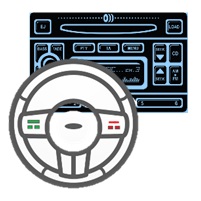 Radio and multifunction steering wheel control
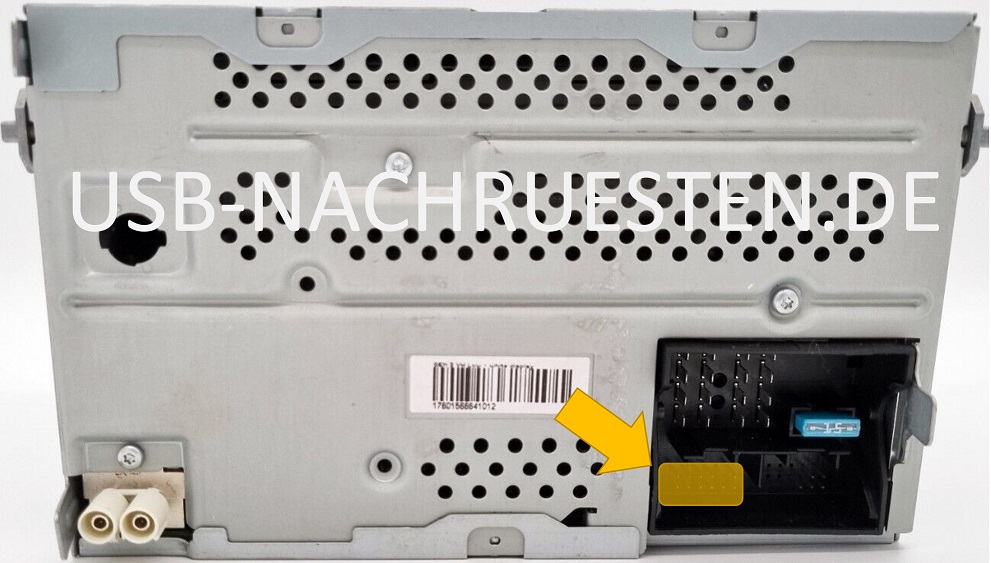
This factory-installed radio is model VW Volkswagen radio RCD 310 until around 2010 is fastened with screws. TORX T20 screws are usually used as screws. The screws are located under panels which can be removed quickly and without damage using the tools offered in our shop. It is without a Media-In interface (MDI technology).
A Quadlock slot is used. The slot for the Streaming Box is the slot for the external CD changer. He is shown in the last photo.
Some radio models do not use the large slot that is suitable for the white plug of the steaming box, but a smaller one. Our streaming boxes are equipped for both connector variants. In the case of the smaller slot, you can use the smaller black connector that is surrounded by the larger white connector. Everything is described in detail in the instructions, so that assembly is very easy.
Compatible: radios with blue display lighting and producer Blaupunkt.
Not compatible: radios with blue display lighting and manufacturer Bosch, since no CD changer controller was installed there.
Special features of this radio model: This radio model (without Media-In/MDI interface) can be recognized by the blue-colored background of the display and has black letters. From the beginning of around 2011 the background of the display will be black and the text will be white - or vice versa. These new models have the Media-In/MDI interface technology and require more complex retrofit solutions. See also VW Radio RCD 310 with Media-In.
This radio was installed without Media-In in the following vehicles, among others:
- VW Golf 5
- VW Golf 6
- VW Golf Plus
- VW Touran 1T
- VW Touran GP
- VW Passat 3C
- VW EOS
- VW T5
- VW Polo 6R
- Seat Leon 1P
- and many more
You can find the compatible products here:


